Fast Windows image viewer with deep resource extraction tools
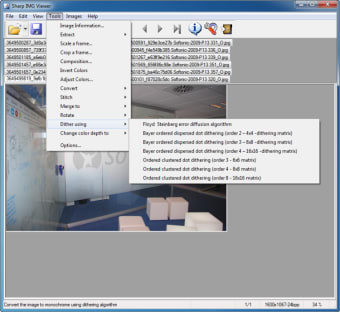
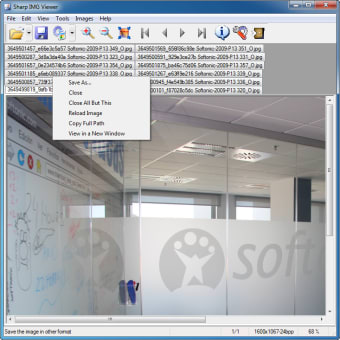
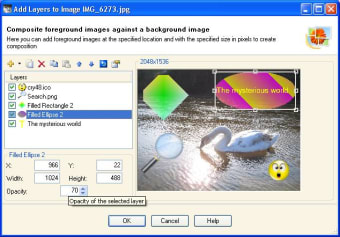
Sharp IMG Viewer, developed by Mike Gratsas, is a Windows utility for viewing images and extracting embedded visual assets. You can browse photographs and inspect resources inside archives, executables, and virtual disk files with a thumbnail browser and slideshow for navigation. The app supports over 30 formats, offers basic edits like resampling and alpha compositing, and converts between file types. It suits photography enthusiasts, developers, and administrators who need a low-overhead image and asset exploration tool.
Top Recommended Alternative
What is Sharp IMG Viewer used for?
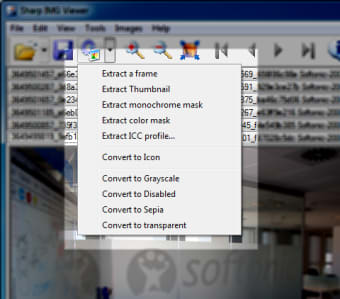
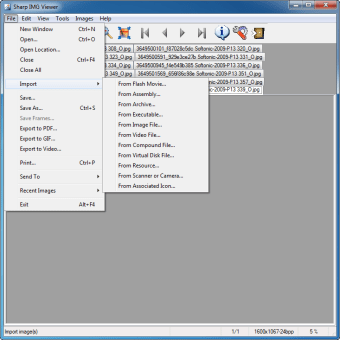
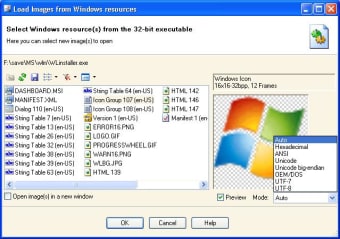
You use Sharp as both an image browser and a resource explorer; it extracts visuals from archives, executables, and virtual disks. The app's advanced resource extraction targets scenarios where images are buried inside ZIP, 7z, RAR, ISO, VHD, EXE, or DLL files. For gallery-style work, the thumbnail browser and customizable slideshow let you flip through collections without launching a separate editor.
What image formats does it support?
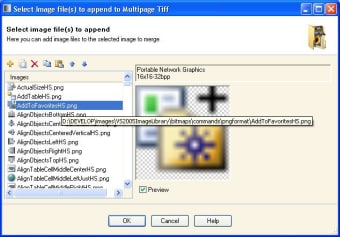
Sharp handles more than 30 image types so you can open standard photos as well as technical files. Supported inputs include JPEG, PNG, GIF, BMP, TIFF, PSD, HDR, EXIF, RAW and even frames pulled from AVI files. The tool also offers format conversion, letting you export images into different file types when you need a more portable or compatible output for other tools in your workflow.
Is it suitable for beginners or professionals?
You get a tool aimed at photography enthusiasts and technical users rather than casual mobile-first editors, with basic editing such as resampling, rotation, flipping and alpha compositing for quick fixes without a deep learning curve. The resource explorer rewards technical workflows used by developers and system administrators. The app's clean, old-school efficiency attracts power users who prefer a compact, focused viewer over a full-featured editor.
How well does it handle large image collections?
Performance leans toward speed and low overhead; the developer optimized the tool for fast loading even with large image directories. Users report that the app remains lightweight while performing extraction tasks, which helps when you navigate huge galleries or inspect many archives quickly. Sharp runs on a wide set of Windows releases, so you can use it on older or modern desktop setups without swapping tools.
Sharp is a pragmatic gateway for technically inclined users
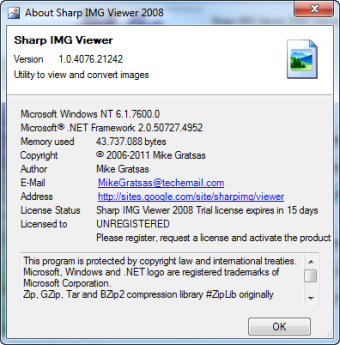
For technically inclined users, Sharp offers a compact entry into more focused image workflows. Consider that the software is distributed as a trial version and depends on Microsoft .NET Framework 2.0 or higher; those constraints shape how easily you adopt it in different environments. If you can accept the runtime dependency and trial evaluation, the app fits into low-overhead toolchains aimed at technical work.